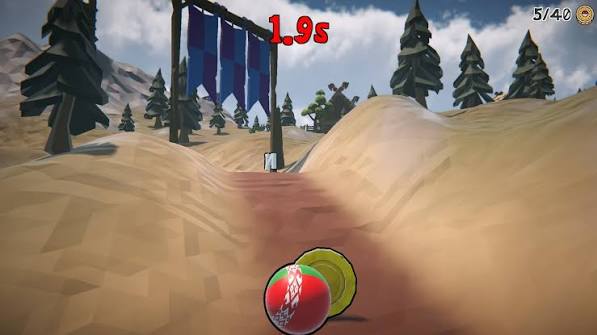
Roller Baller detects touch devices automatically and swaps the keyboard for three on-screen buttons: roll left, roll right, and a big green JUMP. Touch play is fully capable — the current approach just needs a couple of adjustments from keyboard habits.
The grip
Play landscape, phone resting on both hands, thumbs free. Left thumb owns the two direction buttons; right thumb owns JUMP. The most common mobile mistake is trying to play one-handed portrait — the game runs, but your thumb ends up doing three jobs and gaps that are trivial on desktop start eating you.
Thumb technique
- Rest, don't hover. Keep your left thumb physically resting against the direction buttons. Travel time from a hovering thumb is a real, measurable delay.
- Slide between directions. The left/right buttons sit side by side so you can rock your thumb between them instead of lifting and re-pressing.
- Tap JUMP twice fast for the double. The double jump timing is identical to desktop — two quick taps, with the second at the peak of your arc for max height.
Little things that help
Turn off battery-saver mode before a serious session — some phones halve the frame rate to save power, and a choppy game is an unfair game. If your browser shows a bar at the bottom, add the page to your home screen and launch it from there for a cleaner fullscreen view. And your best time saves per-browser, so stick to one browser if the record matters to you.